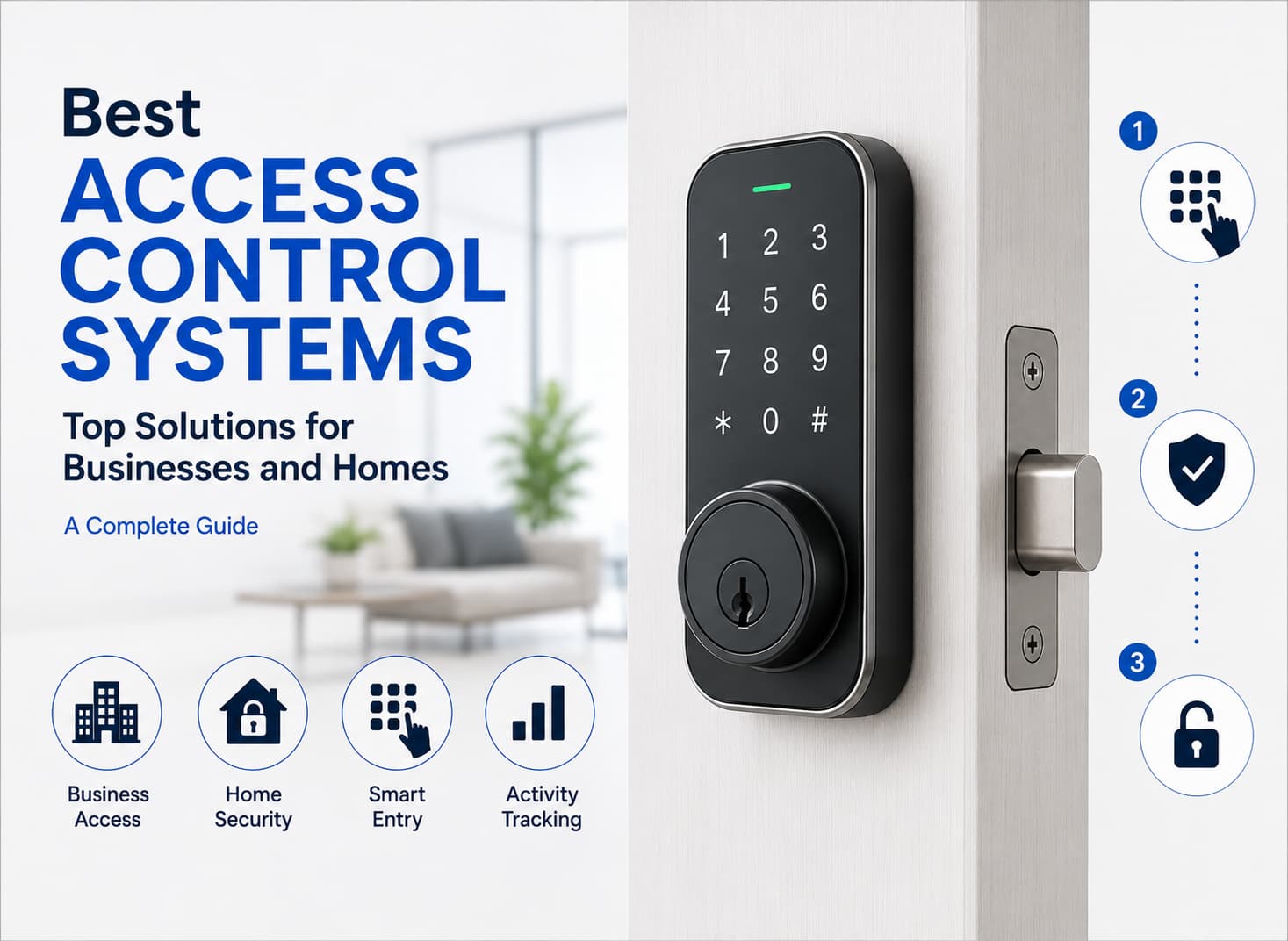
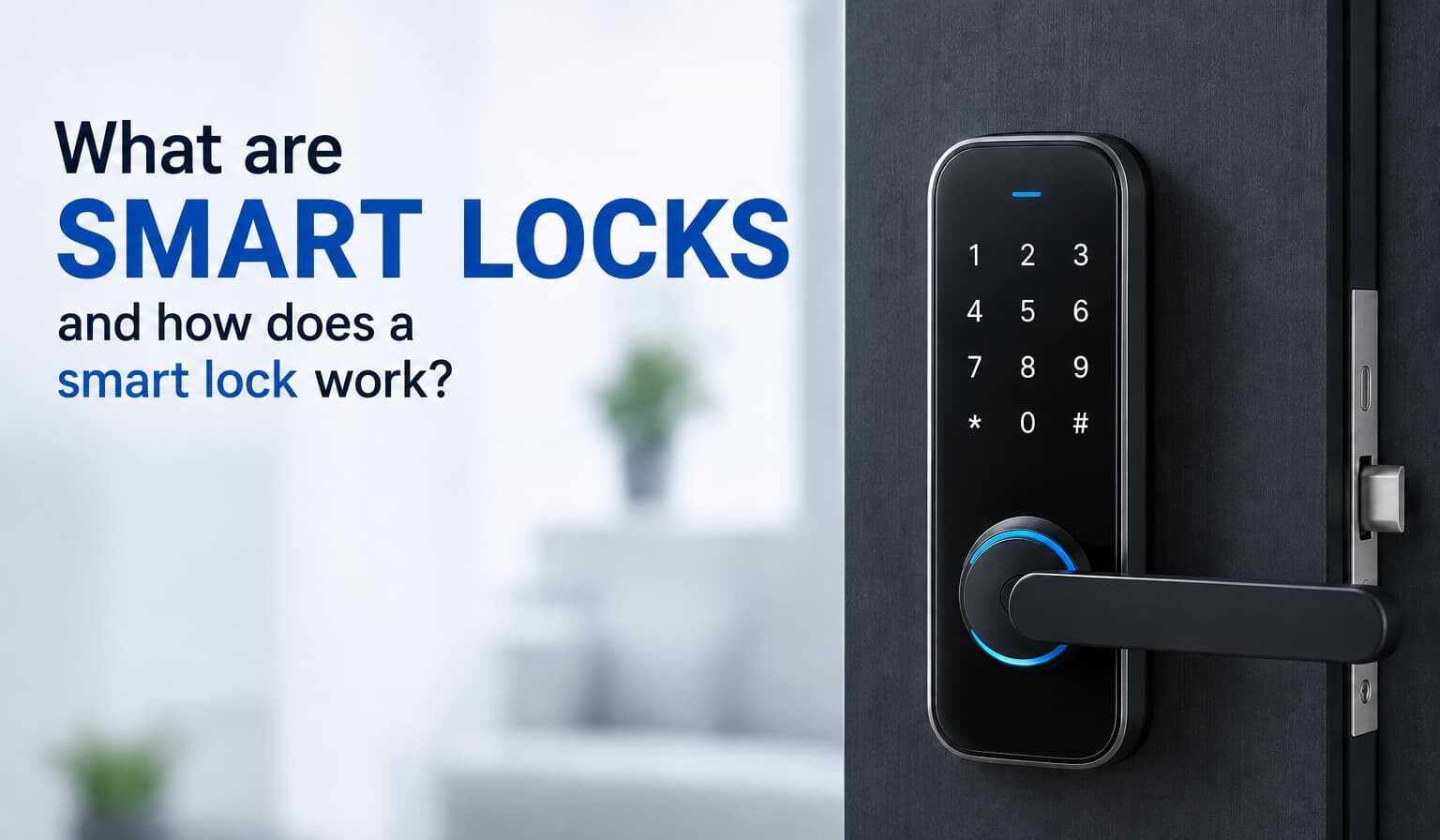

Smart locks are electronic access products that let an approved person enter through a door with a phone, PIN, fob, fingerprint, or backup key. A smart lock does more than replace a metal key: it gives the property owner a way to add, remove, limit, and review access without changing the whole cylinder.
What Are Smart Locks and Why Are They Becoming Popular?
What Is a Smart Lock?
A smart lock is a lock with electronic access control built into the hardware. The mechanical part still holds the door secure. The digital part decides whether a person has the right credential to enter.
For Key Tech, the choice starts with the opening, not with an app. The team looks at the frame, swing direction, latch position, power options, user count, traffic, and whether the system should connect with cameras, intercoms, alarms, or access control panels.
What Are Smart Locks and How Are They Different From Traditional Locks?
Traditional hardware depends on a physical key. If that key is copied, lost, or kept by someone who should no longer enter, the usual answer is rekeying.
Smart locks make that process more flexible. A code can be deleted. A fob can be disabled. A phone pass can expire at midnight. A manager can give a vendor access for one morning and remove it after the job is finished. That is why electronic entry is common in offices, rentals, clinics, shops, storage rooms, and multi-unit buildings.
What Is a Smart Door Lock?
A smart door lock is access hardware installed on a door to manage entry electronically. It may be a keypad deadbolt for a house, a lever set for a private office, or a reader connected to an electric strike for a commercial entrance.
The door still needs to be prepared correctly. Loose hinges, a warped frame, or a strike that does not line up can create problems that no app can solve.
What Is a Smart Key Lock?
A smart key lock reads a programmed credential instead of relying only on a cut key. The credential may be a card, fob, phone pass, or encoded tag. Permission can be assigned to one user, one door, one schedule, or one temporary visit.
Common Features of Smart Locks
- Keyless entry
- Mobile app control
- Temporary access codes
- Remote locking and unlocking
- Activity logs and notifications
- Integration with smart home systems
- Auto-lock functionality
What Does a Smart Lock Do?
A smart lock controls entry. It accepts a credential, checks whether that credential is allowed, releases the hardware when the request is approved, and records the event when reporting is enabled.
It can also help owners solve common problems: missed key returns, staff turnover, after-hours vendor visits, shared entrances, and guests who need short-term access.
Main Functions of a Smart Lock
The main functions are user verification, physical release, automatic re-secure, alerts, and access reporting. A residential setup may focus on family access and guests. A commercial setup may focus on staff rules, restricted rooms, and administrative records.
Smart Lock Access Methods
The right access method depends on how the site is used. A homeowner may prefer an app and PIN. A retail business may use fobs for employees. A shared lobby may need a reader, intercom, and camera view.
Ways to Unlock a Smart Lock
- Smartphone app
- PIN code
- Key fob
- Fingerprint recognition
- Voice assistant
- Physical backup key
Smart Locks for Residential and Commercial Properties
For a home, electronic entry can reduce hidden spare-key habits and make guest access easier. For a business, it can support schedules, audit records, and faster changes when people leave.
Commercial properties often need more than one entry point. A front entrance, storage area, side door, and office suite may each need a different permission level.
How Does a Smart Lock Work?
What Happens When You Lock and Unlock a Smart Door?
When a person presents a credential, the reader sends the request to the controller. The controller compares that request with saved permissions. If access is allowed, the bolt, latch, or strike releases for a short period. After the person enters, the door returns to a secure state.
The process depends on small details. Power must be reliable. The reader must be placed where people can reach it. The backup key must be available to the right person. The opening must close without force.
How Does a Smart Lock Verify User Access?
The system compares the app request, PIN, fob, card, fingerprint, or other credential with approved records. It may also check time rules. A cleaner can have access from 8:00 to 10:00 on Thursday. A manager can have broader access during operating hours.
How Does a Smart Key Lock Work?
The reader scans the electronic key, checks whether it is active, and releases the hardware only when permission is valid. If a key fob is lost, that fob can be removed while all other users keep their access.
| Component | Function |
| Lock mechanism | Secures and releases the door |
| Motor or actuator | Moves the bolt, latch, or internal hardware |
| Access reader | Receives PIN, fingerprint, key fob, card, or app credentials |
| Controller | Reviews authentication requests |
| Battery | Powers the smart lock when hardwiring is not used |
| Mobile app | Allows remote management and monitoring |
How to Use Smart Lock Systems Effectively
How to Use Smart Lock for Everyday Access
Set up the administrator account first, then add users one at a time. Test every method from both sides of the door. Confirm that the backup key is stored safely and that someone responsible knows how to use it.
Daily use should feel ordinary. A guest should not need a manual to enter. A staff member should not need to call a manager every morning.
Creating and Managing User Permissions
Give each person a separate code, fob, card, app profile, or other credential. Shared PINs create confusion because one change affects everyone. Individual credentials make the system safer and easier to review.
Permissions should reflect real access needs. A delivery code does not need to be permanent. A contractor does not need weekend access after the project ends. A former employee should be removed immediately.
Using Temporary and Guest Access Codes
Temporary codes are useful for cleaners, visitors, contractors, short-term renters, dog walkers, and delivery support. Set a start time, set an end time, and name the user clearly so the record makes sense later.
Best Practices for Smart Lock Use
- Enable two-factor authentication
- Create unique access codes
- Regularly update firmware
- Monitor access activity
- Keep backup entry methods available
- Remove inactive users
How Safe Are Smart Locks?
Smart locks can be safe when the hardware fits the door, the app account is protected, passwords are strong, updates are applied, and access lists are reviewed. Traditional hardware has fewer digital concerns, but it cannot cancel a lost key or show who entered.
Are Smart Locks Safe Compared With Traditional Locks?
Both options can be safe or weak depending on product quality, installation, and maintenance. A poor strike plate, shared PIN, ignored update, loose frame, or weak admin password can create risk. A properly installed smart access setup can reduce several everyday security problems.
Security Features That Protect Smart Locks
Useful protection may include encrypted credentials, tamper alerts, activity logs, two-factor authentication, battery warnings, and firmware updates. Business users may also benefit from centralized management because access changes happen from one place.
Common Security Risks and How to Prevent Them
The most common risks are ordinary management mistakes: shared codes, inactive users, low batteries, poor door alignment, weak app passwords, and skipped updates. Prevention is practical. Use separate credentials, review user lists, protect the admin account, and schedule service when the hardware starts sticking or responding slowly.
| Security Factor | Traditional Lock | Smart Lock |
| Physical key required | Yes | Optional |
| Remote control | No | Yes |
| Access tracking | No | Yes |
| Temporary guest access | No | Yes |
| Lost key risk | High | Lower |
| Cybersecurity considerations | None | Requires protection |
| Audit trail | No | Yes |
Installation, Service, and Support
Solution Planning
A good solution starts with site conditions. Key Tech checks whether the door is wood, hollow metal, glass, aluminum storefront, fire-rated, or part of a shared entry system. The technician also reviews power, wiring routes, user volume, and the owner’s preferred way to manage access.
The same smart lock is not right for every property. A quiet home entry has different needs from a busy storefront, medical suite, warehouse office, or condo lobby.
Services for Homes and Businesses
A residential project may involve one front entry and a simple app setup. A business project may involve employee permissions, visitor rules, manager access, delivery schedules, and reporting.
Some customers mainly want convenience. Others need a safer way to control multiple users. The service plan should match the property, not force every site into the same package.
Installation Details That Matter
Clean installation includes hardware alignment, reader placement, power planning, account setup, credential testing, administrator training, and final walk-through. The finished system should not bind, rattle, drain batteries too quickly, or depend on only one person understanding the settings.
A side entrance used by employees may need a different setup than a public entrance. A storage room may need tighter control than a reception door. A lobby may need visitor access tied to an intercom. These choices are easier to make after the site is reviewed.
Choosing the Right Format
Battery-powered products can be practical for one entry point. Wired hardware may be better where traffic is heavy, where a release button is needed, or where the system connects with cameras, intercoms, or a central panel.
The right format is the one that fits the opening and the routine. The safest choice is rarely the product with the longest feature list. It is the setup that people can use correctly every day.
Maintenance and Daily Checks
Owners should protect the app account, save administrator details securely, and teach at least one trusted person the recovery process. Battery warnings should not be ignored. Neither should slow readers, rubbing hardware, loose handles, or a door that needs force to close.
For business properties, a short monthly review helps. Remove former staff, check temporary codes, confirm manager permissions, and make sure alerts go to the right person. These habits keep the system safe, simple to use, and easier to service.
Final Thoughts About Smart Locks
Smart entry is useful when a property needs more control than a standard key can provide. The best setup depends on the door, the number of users, the safe level of risk, and whether the system must connect with cameras, intercoms, or broader access control.
Key Tech can help choose and install a smart lock solution for homes, offices, apartment buildings, stores, and commercial spaces. The goal is not to place a gadget on the door. The goal is reliable entry hardware that protects the opening, keeps the backup key plan clear, and gives the owner practical control over everyday access.